
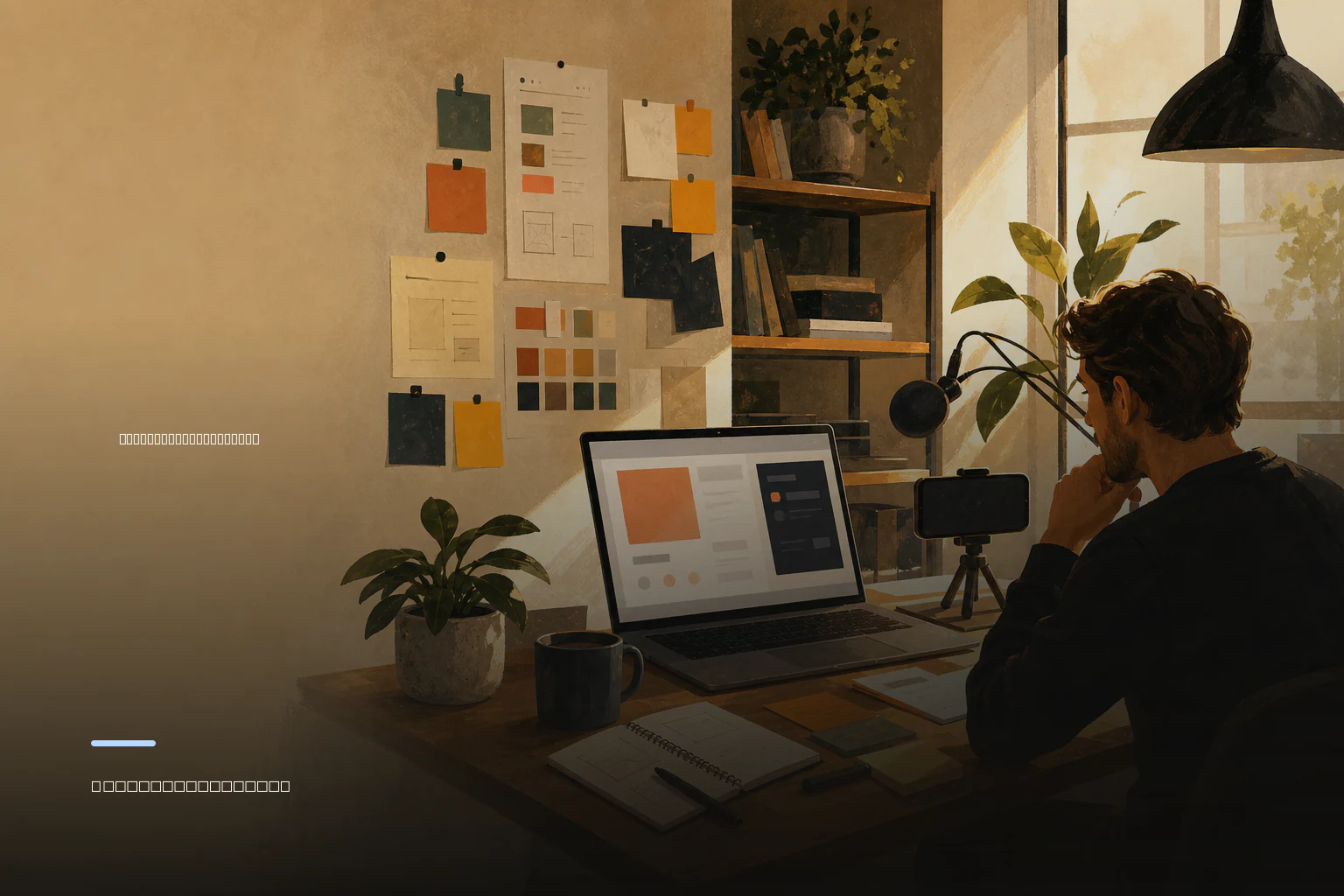
A launch demo should prove one useful job
A product demo checklist for a startup launch starts with a constraint: do not try to tour the whole product. A strong launch demo explains one meaningful job for one intended user, shows the workflow they would use, and ends with a visible result. That applies whether the demo is a short recording on a launch page, a GIF, a live call, or an in-person presentation.
Feature tours often make sense to the person who built the product because they already know how every screen connects. A new viewer does not. They need enough context to answer four questions quickly: Is this for someone like me? What problem does it help with? What would I actually do in it? What changes after I use it?
Treat the demo as a testable explanation, not decoration. If a likely user cannot follow the task, the issue may be the narration or sequencing—but it may also reveal that the product itself needs clearer labels, defaults, or onboarding. Fix the recurring cause rather than editing around it.
- Choose one audience segment, not “everyone who needs productivity” or “all developers.”
- Name a starting situation the audience recognizes.
- Show the minimum credible path from starting point to completed outcome.
- End with one next action: join a beta, create an account, request access, or view the launch page.
Write a one-page demo brief before recording
Before opening a screen recorder, write a brief that fits on one page. This prevents a common launch mistake: collecting polished clips before deciding what the clips are meant to prove. The brief is also useful when a cofounder, contractor, or teammate has to review the demo without reconstructing the rationale from the video.
The featured task should be concrete, believable, and goal-led. GOV.UK’s usability-testing guidance recommends tasks with a clear goal that are relevant and believable to participants, while avoiding prompts that give away the answer or completion method. In demo terms, show a realistic user objective rather than a path that only works because the presenter knows where every control is.
For an AI product, write down exactly what is live, what uses sample data, and what is simulated. A realistic working prototype can be appropriate for research and an early demo, but label it plainly. Do not let polished prototype behavior imply that an integration, reliability level, security feature, or autonomous action is already available.
- Intended viewer: who has this problem and in what context?
- Job and starting state: what are they trying to accomplish before opening the product?
- Featured workflow: what three to seven actions will they take?
- Completion condition: what observable output means the task is done?
- Evidence: what result, saved time, organized information, generated draft, or decision will the viewer see?
- Next action: what should an interested viewer do immediately after the demo?
Choose and script a believable end-to-end workflow
Use the brief to select a path that works end-to-end. The aim is not to show every edge case; it is to avoid unexplained jumps from an empty screen to a perfect result. If the product imports data, creates an output, asks for approval, or sends a handoff, show enough of that transition for the outcome to feel earned.
Open with the user and their problem in a sentence. Then establish the starting state, narrate only decisions that matter, show the completed output, and connect it back to the original problem. Remove internal implementation details unless they change a buyer’s decision or are essential to trust, such as a required review step.
Avoid fake urgency and claims that your current product cannot support. Representative data can make a demo clearer, but use permissioned or safely fictional data and ensure it resembles the real situation closely enough that the workflow remains credible. If a capability is coming soon, say so rather than presenting it as part of the live path.
- Can a first-time viewer identify the task before the first click?
- Does each shown action move the user toward the stated result?
- Are hidden setup steps, manual intervention, and sample data disclosed where they matter?
- Does the final screen visibly demonstrate completion rather than merely asserting value?
- Can the narration be understood without relying on jargon or founder-only context?
Run a technical preflight, not just a casual rehearsal
A launch demo can lose credibility through problems unrelated to the core idea: an expired session, a missing permission, a slow integration, an unexpected browser prompt, or a different display resolution. Rehearse the exact featured task from the same device, browser, account state, network, and display setup you will use for the recording or presentation.
GOV.UK guidance for research recommends that a prototype or beta service work end-to-end, that teams run through tasks the day before, and that they check conditions such as firewall restrictions, screen resolution, and browser compatibility when relevant. Apply the same discipline to your launch demo. A contingency plan is not a substitute for a working workflow, but it protects a live presentation from a known dependency failure.
If the demo includes a live AI response or third-party integration, decide in advance what you will do if it fails. You might pause and retry, use a clearly labelled pre-recorded version, or continue with a prepared example. Never present a fallback recording as a live result.
- Reset the account to the intended starting state.
- Verify logins, permissions, API connections, notifications, and payment or invite flows if shown.
- Check loading states, empty states, errors, and confirmation states along the featured route.
- Confirm cursor visibility, readable interface scale, audio levels, and a clean browser or desktop.
- Run one uninterrupted full rehearsal shortly before publishing or presenting.
Make product-demo media accessible from the script onward
Accessibility is part of whether viewers can understand the product, not a post-production extra. The W3C Web Accessibility Initiative recommends planning accessibility at the beginning of media work, including in the script before filming. That is especially important for screen-based demos, where the main evidence may otherwise exist only in tiny visual details or spoken commentary.
Plan captions for speech and necessary non-speech audio. Check that captions do not cover a key form field, output, error state, or action button. Provide a transcript when spoken information is necessary to understand the demo; a descriptive transcript can also include meaningful visual information. In the narration, say what changed rather than relying on “as you can see.”
A simple practical test is to watch the demo with sound off, then listen without watching the screen. Neither version needs to communicate every pixel, but each should still convey the problem, the major workflow steps, and the resulting value.
- Write a caption-friendly script with short, direct sentences.
- Describe meaningful status changes, generated outputs, and decisions aloud.
- Ensure zoom level and contrast make important UI states legible.
- Review captions against the interface so they do not obscure vital details.
- Publish a transcript or descriptive transcript when appropriate for the medium and audience.
Test the workflow with likely users before launch
Internal walkthroughs confirm that you can use your product. Moderated usability testing is different: it involves watching participants attempt specific tasks, and think-aloud prompts can reveal what they are doing, thinking, and feeling. According to GOV.UK guidance, this can help determine whether users understand what to do, complete relevant tasks, and encounter usability issues.
Ask a likely user to complete the featured job with a neutral prompt. Do not teach the route first. Observe where they hesitate, misunderstand a label, take an unexpected path, or believe they have finished when they have not. Then separately show the demo and ask what they think the product does, who it is for, and what they would do next. This helps distinguish a product-flow problem from a presentation problem.
Record only with appropriate consent, and protect personal data if sessions are recorded or streamed. Look for repeated patterns rather than reacting to a single preference. Revise the product, the script, or both, then retest the critical task when feasible.
- Task success: did the participant reach the intended completion condition?
- Time: how long did the task take, and where did time accumulate?
- Abandonment or false completion: did they stop, or think they were done incorrectly?
- Confidence: did they trust the result and understand what happened?
- Comments: which words, screens, and transitions caused uncertainty?
Use the final checklist to publish and learn
Before launch, give one person ownership of each remaining item: product readiness, demo asset, captions and transcript, launch-page placement, and follow-up. Your demo is ready when it truthfully shows a complete user-relevant outcome, not when it has the most effects or the most screens.
After publishing, keep the same featured task in your feedback process. Compare what people expected from the demo with where they actually struggle in the product. Repeating this measurement over time is useful: GOV.UK usability-benchmarking guidance recommends tracking successful completion, time, abandonment or false completion, and repeating measurement to see whether a service becomes easier to use.
When the asset and launch page are ready, builders of vibe-coded products, AI startups, and bootstrapped software can submit the product to vibecodedstartup.com. The platform organizes launches into weekly boards and supports community voting and product discussions, giving interested viewers a place to discover the product and respond to it.
- Audience and job are stated in one clear sentence.
- One believable workflow has a visible completion condition.
- The product or prototype works end-to-end, and prototype elements are labelled honestly.
- Representative data is permissioned or safely fictional.
- The full technical path has been rehearsed in the publishing setup.
- Captions, transcript needs, and visual descriptions have been reviewed.
- Likely users have attempted the featured task without being coached through it.
- Success, time, abandonment, confidence, and comments have an owner and a review date.
- The final call to action matches the product’s current availability and launch goal.